Reminders
Aerofiler can create reminders based on three types of events:
- Renewals and expiries
- Notice deadlines
- Key Dates
These are explained in further detail below
1. Renewals and Expiries
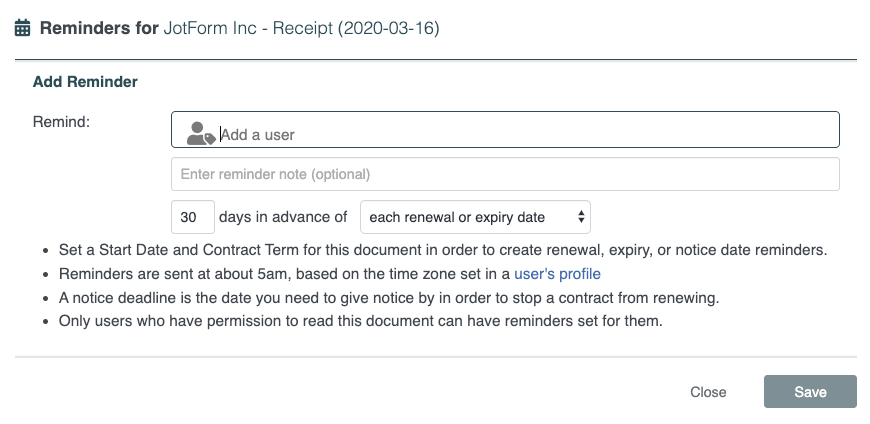
Aerofiler can send notifications in advance of renewals and expiries. Once you have set a Start Date and Contract Term, click "Add Reminder" in the "Reminders" card:

This will present you with a modal which will allow you to set:
- Notification recipients
- Reminder note (optional)
- Number of days in advance to receive the notification
There is also a toggle to configure whether users should be notified if reminders are added or deleted.
Tip: If you set a reminder note on a contract with multiple renewals and expiries, that same note will appear in each reminder email.
2. Notice deadlines
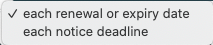
Some contracts require notification in advance of the renewal or expiry date. To configure a notice deadline reminder, choose "each notice deadline" in the dropdown menu:
3. Key Dates
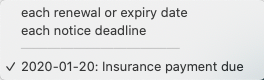
Aerofiler allows you to create Key Dates to indicate important contract milestones. To configure a reminder on a Key Date, choose the relevant Key Date from the dropdown menu:
Comments
0 comments
Article is closed for comments.